
QoderWork
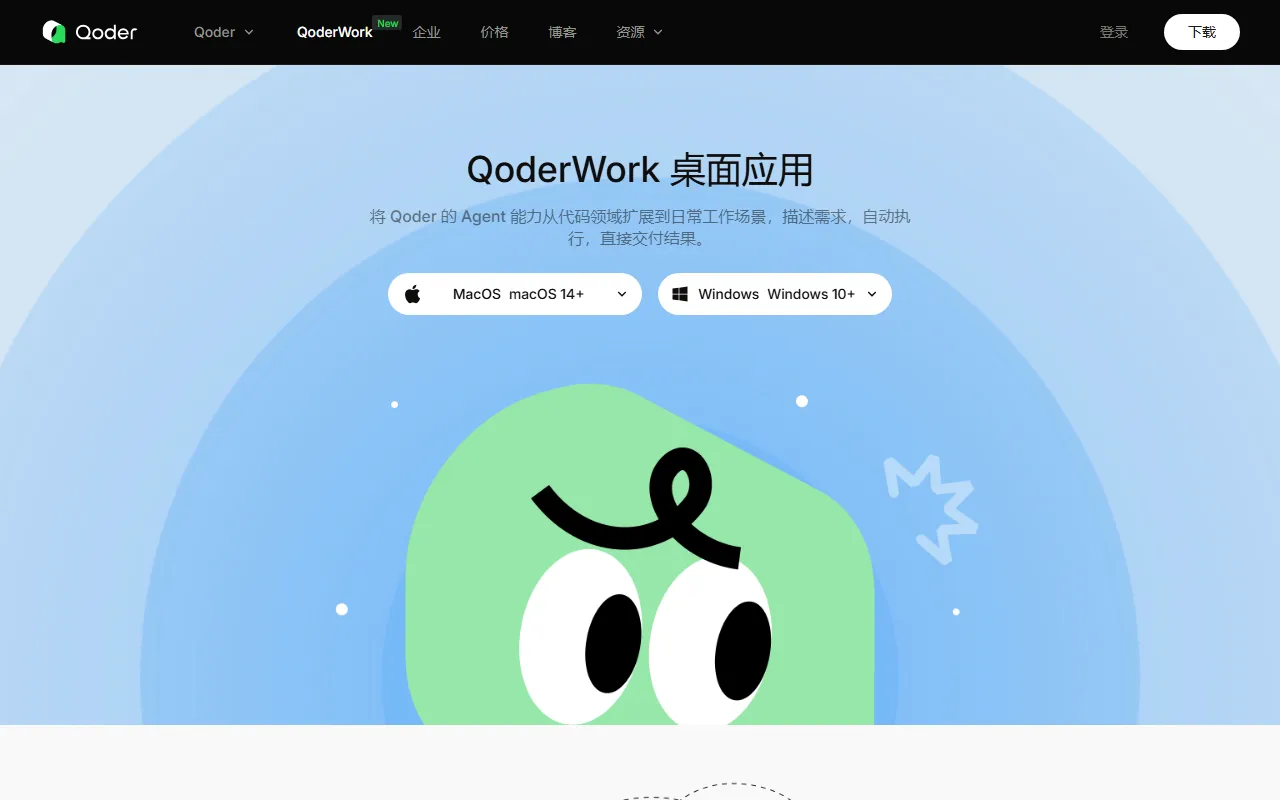
DevelopmentQoderWork is a desktop AI agent launched by Alibaba's Qoder team, supporting Mac and Windows. QoderWork can directly operate local files, generate professional documents (PPT/Excel/Word), automate browser tasks, and connect to various tools through the MCP protocol.
About
Overview
QoderWork is a desktop AI agent launched by Alibaba's Qoder team, supporting macOS 14+ and Windows 10+. It is positioned not as a simple chat assistant, but as an Agent that can execute tasks in a local environment: users only need to describe their goals in natural language, and QoderWork will automatically plan the steps, perform the operations, and deliver the results.
Unlike common online AI tools, QoderWork emphasizes Local-first and local sandbox execution. Within the scope of authorization, it can directly handle local files, analyze data, generate documents such as Word/Excel/PPT/PDF, and also complete operations such as webpage access, form filling, and information extraction through browser automation. It can further connect to more external tools through the MCP protocol, making it suitable for scenarios such as office automation, document organization, data analysis, and cross-tool collaboration.
Key Features
- Local file operations: It can directly read and write authorized folders to complete file organization, information extraction, batch processing, and format conversion, without needing to upload files to the cloud first.
- Document generation and output: Supports generating formatted Word documents, Excel files with charts and formulas, structured PPT presentations, and editable PDFs.
- Data processing and analysis: Can read local spreadsheet data for cleaning, trend analysis, chart generation, and result summarization.
- Browser automation: Supports visiting webpages, filling out forms, and extracting public information, making it suitable for research, repetitive online tasks, and information collection.
- MCP tool integration: Can connect to tools such as task management and design collaboration through the MCP protocol, extending automated workflows.
- Image generation: Generates illustrations based on text descriptions and saves them to the local project directory.
- Security control mechanisms: Uses local sandbox isolation, permission boundary control, and confirmation for high-risk operations, while the execution process can also be viewed in real time.
- Expandable skill system: Supports extending capabilities through Skills to fit different workflow needs.
- Tiered model modes: Provides Standard Mode and Flagship Mode to balance everyday efficiency and complex task processing capabilities.
Pricing
According to currently available public information, QoderWork offers multiple subscription plans:
- Free: $0/month, includes a 2-week Pro trial and 300 Credits, suitable for light experience.
- Pro: $10/month, includes 2,000 Credits, suitable for individual developers and daily use.
- Pro+: $30/month, includes 6,000 Credits, suitable for more advanced users with higher usage frequency.
- Ultra: $100/month, includes 20,000 Credits, suitable for high-frequency professional users.
- Teams: $30/seat/month, each seat includes 2,000 Credits, with support for centralized billing, an admin console, and SSO.
- Enterprise: Price not disclosed, supports more complete enterprise management and knowledge management capabilities.
For specific pricing and benefits, please refer to the latest page on the official website.
FAQ
-
Which systems does QoderWork support?
It supports macOS 14 and above, as well as Windows 10 and above. -
Can QoderWork process local files?
Yes, but users must first authorize specific folders, and the tool will only operate within the authorized scope. -
What scenarios is QoderWork suitable for?
It is suitable for scenarios such as document generation, Excel data analysis, research, meeting notes organization, webpage information extraction, and cross-tool workflow automation. -
What is the difference between QoderWork and ordinary AI chat tools?
It can not only answer questions, but also plan and execute tasks in a local environment, directly producing files, reports, or automation results.
Related Tools
View allLiner.ai is a tool that lets users build and deploy machine learning models without programming, suitable for users without a machine learning background to quickly turn training data into integrable models.
Pico is a GPT-4-based text-to-app tool that lets users quickly create simple web applications by describing their needs in natural language, making it suitable for people who have product ideas but do not have programming skills.
Imagica is a no-code AI application development platform that supports users in building AI applications without writing code, and combines real-time data with multimodal capabilities to complete interactive product design.
WidgetsAI is a no-code widget platform for building AI applications, supporting the creation, embedding, and white-labeling of AI components, suitable for teams or individuals who want to quickly integrate AI capabilities without programming.
ComfyUI is a modular graphical interface tool for Stable Diffusion that uses a node-based workflow design, making it easier for users to control the image generation process in greater detail.
Lightning AI is a development framework for building and deploying models and full-stack AI applications, providing capabilities such as training, serving, and hyperparameter optimization to help developers reduce infrastructure configuration work.