
About
Overview
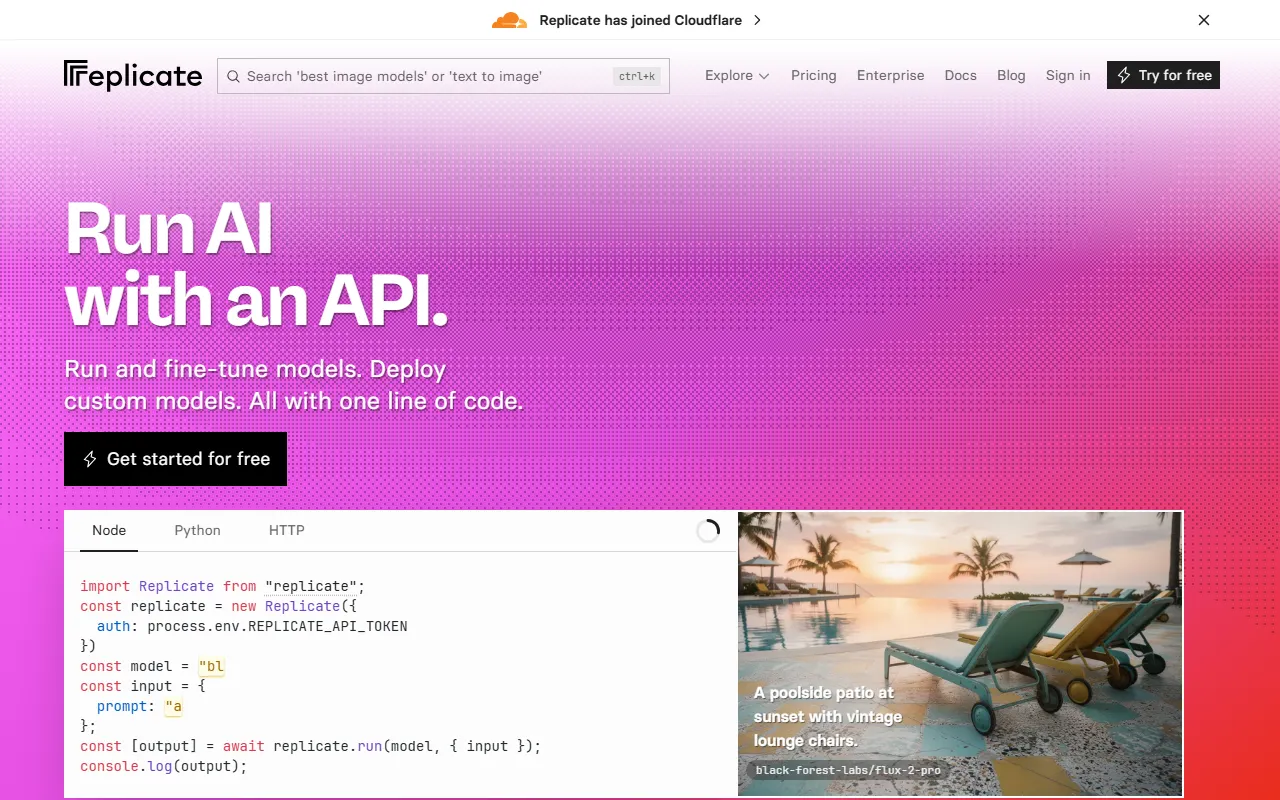
Replicate is an AI development and programming platform for developers, focused on running open-source machine learning models through cloud APIs. Users do not need to deploy complex inference environments themselves, and can use a single line of code to call a wide range of AI capabilities, including image generation, speech generation, music generation, image restoration, image captioning, large language models, and image-to-video generation.
According to information on its official website, Replicate supports running and fine-tuning models, and also supports deploying custom models. It is suitable for individual developers, startup teams, and product development teams that want to integrate AI capabilities quickly. It provides multiple access methods such as Node.js, Python, and HTTP, making it easy to integrate into existing applications, scripts, or backend services.
Key Features
-
Run open-source models in the cloud
- Call open-source machine learning models directly through APIs, with no need to configure local GPUs or inference services.
- Can be used to quickly validate model performance and build prototypes.
-
Support for multiple types of AI capabilities
- Supports image generation and editing
- Supports speech generation
- Supports music generation
- Supports image restoration
- Supports image captioning (Caption Images)
- Supports large language models (LLMs)
- Supports generating video from images
-
Model fine-tuning and custom deployment
- Supports fine-tuning models
- Supports deploying custom models, suitable for teams with specialized business needs
-
Developer-friendly API integration
- Provides access methods such as Node.js, Python, and HTTP
- Suitable for integration into websites, applications, automation workflows, or backend services
-
Rich model ecosystem
- The official website showcases several popular official models, for example:
- FLUX series from Black Forest Labs
- nano-banana-pro from Google
- gpt-image-1.5 from OpenAI
- Seedream series from ByteDance
- The official website showcases several popular official models, for example:
Pricing
The official website shows that you can start for free, but the currently captured content does not provide complete public pricing details. Based on its product model, Replicate is more oriented toward billing by API calls and model usage volume; prices usually may vary by model.
For specific costs, free quotas, per-model pricing, or enterprise plans, it is recommended to visit the official pricing page or the corresponding model details page directly for the latest information.
FAQ
Who is Replicate suitable for?
It is suitable for developers, indie developers, startup teams, and enterprise technical teams that need to integrate AI capabilities quickly and want to reduce the cost of model deployment and operations.
Do I need to deploy the model environment myself?
Usually not. One of Replicate's core values is running models directly through cloud APIs, reducing local deployment and GPU operations workload.
What types of models can be called?
According to the official website, it can call multiple types of models, including image, speech, music, image restoration, image captioning, video generation, and large language models.
Does it support custom models?
Yes. The official website mentions that custom models can be deployed and that model fine-tuning is supported, making it suitable for scenarios that require personalized capabilities.
How do I integrate it into my own project?
It can be called through Node.js, Python, or HTTP APIs. Developers only need to configure an API token and pass the model name and input parameters according to the documentation to run a model.
Related Tools
View allLiner.ai is a tool that lets users build and deploy machine learning models without programming, suitable for users without a machine learning background to quickly turn training data into integrable models.
Pico is a GPT-4-based text-to-app tool that lets users quickly create simple web applications by describing their needs in natural language, making it suitable for people who have product ideas but do not have programming skills.
Imagica is a no-code AI application development platform that supports users in building AI applications without writing code, and combines real-time data with multimodal capabilities to complete interactive product design.
WidgetsAI is a no-code widget platform for building AI applications, supporting the creation, embedding, and white-labeling of AI components, suitable for teams or individuals who want to quickly integrate AI capabilities without programming.
ComfyUI is a modular graphical interface tool for Stable Diffusion that uses a node-based workflow design, making it easier for users to control the image generation process in greater detail.
Lightning AI is a development framework for building and deploying models and full-stack AI applications, providing capabilities such as training, serving, and hyperparameter optimization to help developers reduce infrastructure configuration work.